🔐 PART 1: Generate 2 SSH Keys (Access)
1. Generate GitHub SSH key
ssh-keygen -t ed25519 -C "user-github@mail.com" -f ~/.ssh/id_ed25519_github2. Generate GitLab SSH key
ssh-keygen -t ed25519 -C "user-gitlab@mail.com" -f ~/.ssh/id_ed25519_gitlab3. Add SSH config
Edit:
nano ~/.ssh/configAdd:
Host github.com
  HostName github.com
  User user-github@mail.com
  IdentityFile ~/.ssh/id_ed25519_github
  IdentitiesOnly yes

Host gitlab.com
  HostName gitlab.com
  User user-gitlab@mail.com
  IdentityFile ~/.ssh/id_ed25519_gitlab
  IdentitiesOnly yes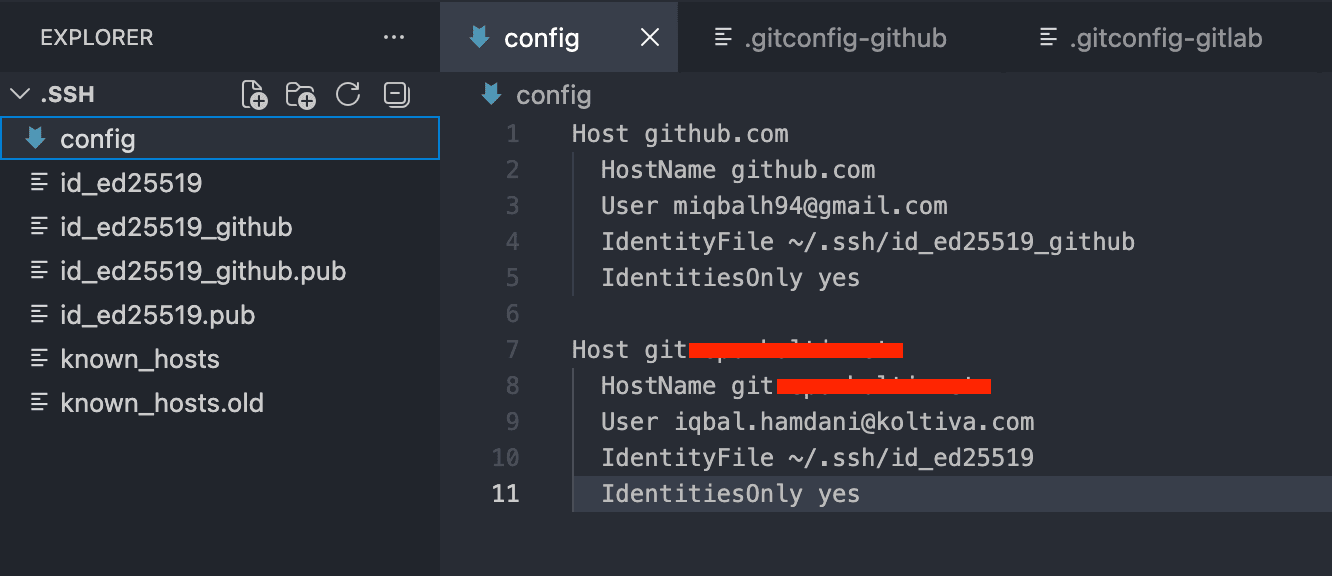
4. Add public keys to platforms
Copy keys:
cat ~/.ssh/id_ed25519_github.pub
cat ~/.ssh/id_ed25519_gitlab.pub
Add to:
- GitHub → Settings → SSH Keys
- GitLab → Preferences → SSH Keys
5. Test connection
ssh -T git@github.com
ssh -T git@gitlab.com
✍️ PART 2: Generate 2 GPG Keys (Signing)
1. Generate GitHub GPG key
gpg --full-generate-keyChoose:
- Type: RSA and RSA
- Key size: 4096
- Email: same as GitHub email
2. Generate GitLab GPG key
Run again:
gpg --full-generate-keyUse GitLab email
3. List keys
gpg --list-secret-keys --keyid-format=longExample output:
sec   rsa4096/ABC1234567890
uid   [ultimate] user-github@mail.com

sec   rsa4096/XYZ9876543210
uid   [ultimate] user-gitlab@mail.com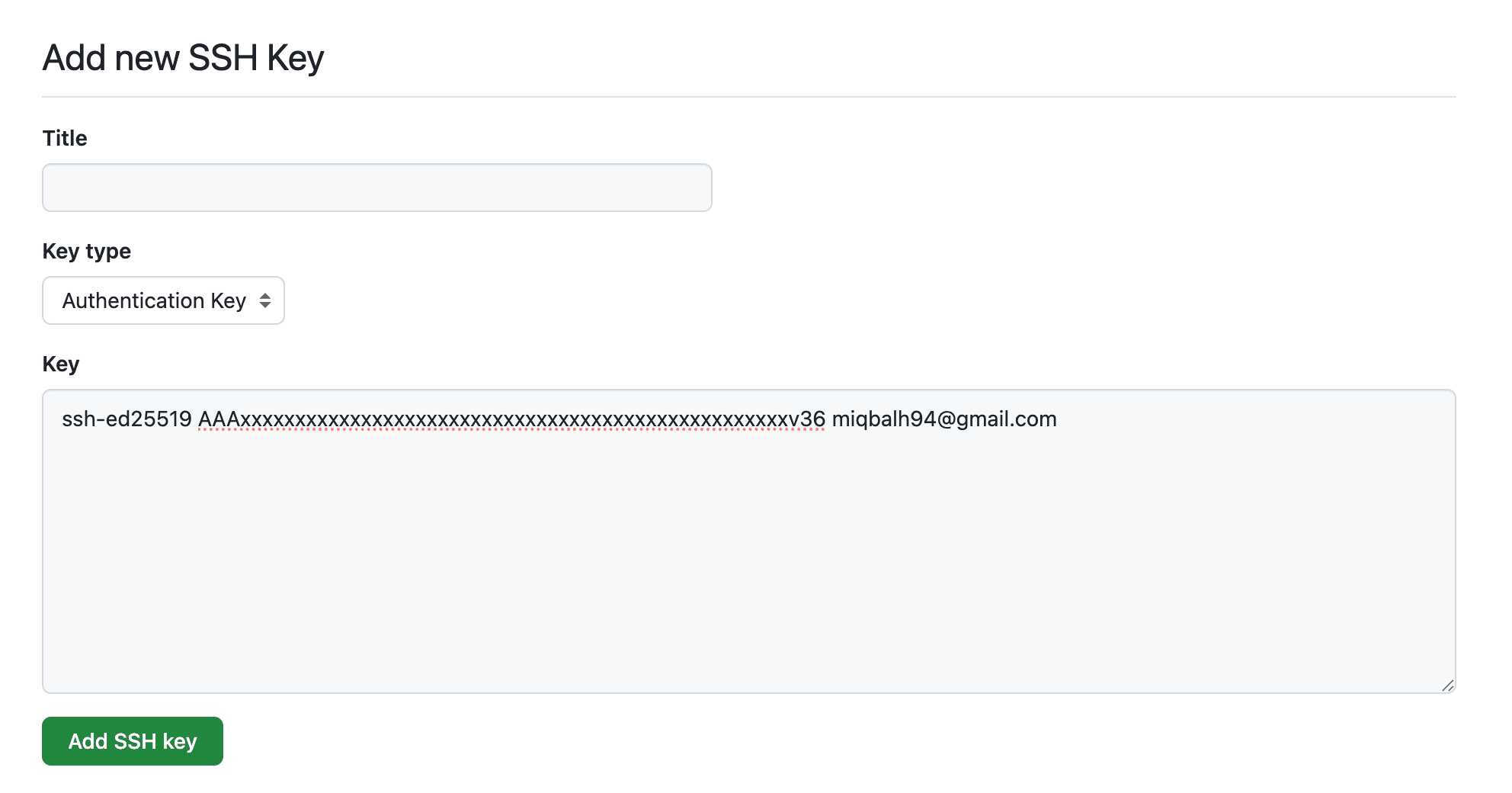
👉 Save both KEY IDs:
- GitHub →
ABC1234567890 - GitLab →
XYZ9876543210
4. Export public keys
gpg --armor --export ABC1234567890
gpg --armor --export XYZ9876543210
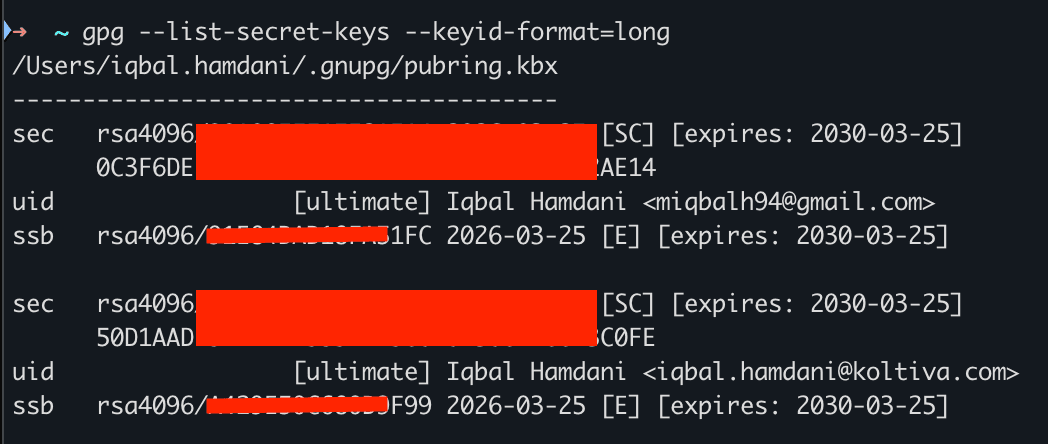
5. Add to platforms
- GitHub → Settings → GPG Keys
- GitLab → Preferences → GPG Keys
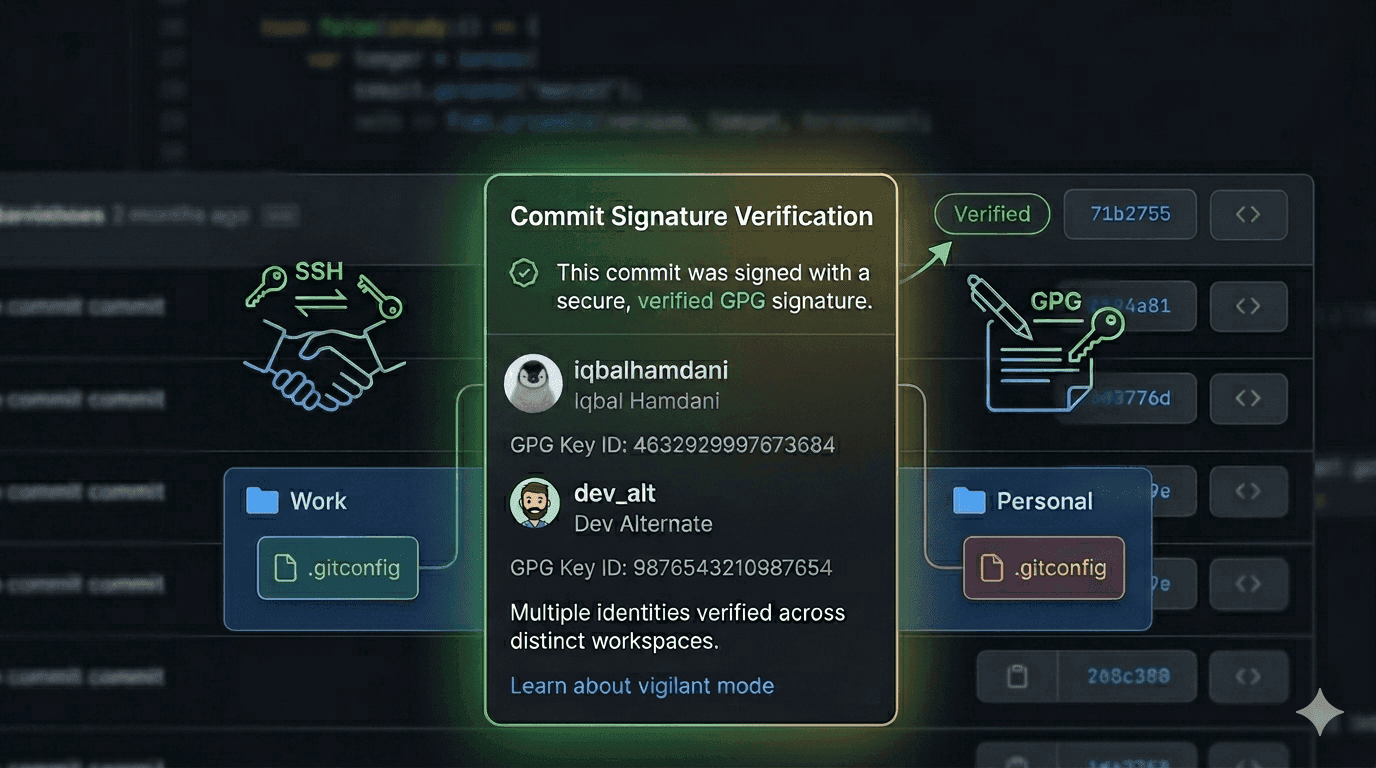
⚙️ PART 3: Git Config Per Workspace (IMPORTANT)
1. Create separate config files
GitHub config
nano ~/.gitconfig-github[user]
email = user-github@mail.com
signingkey = ABC1234567890GitLab config
nano ~/.gitconfig-gitlab[user]
email = user-gitlab@mail.com
signingkey = XYZ98765432102. Setup auto switching
Edit main config:
nano ~/.gitconfigAdd:
[includeIf "gitdir:~/projects/github/"]
  path = ~/.gitconfig-github

[includeIf "gitdir:~/projects/gitlab/"]
  path = ~/.gitconfig-gitlab
My Folder Structure
~
|-- escape/
|   |-- repository_a
|   |-- repository_b
|-- development/
|   |-- repository_c
|   |-- repository_d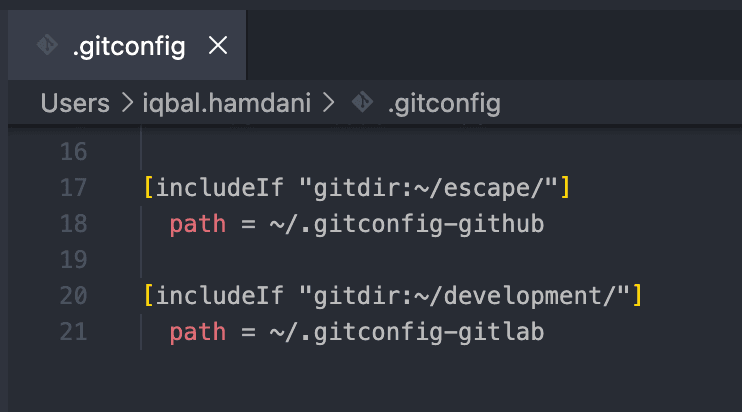
3. Verify
Inside repo:
git config user.email
git config user.signingkey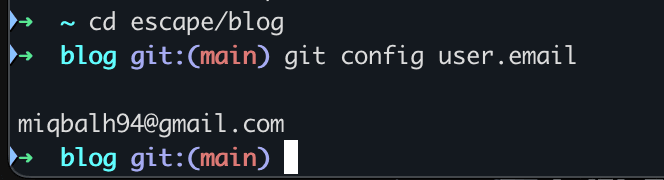
4. Activate (Important ⚠️)
git config --global commit.gpgsign true